Internet-Radio
Android Apps
iOS Apps
Radio Website

Extras

Try
before buying
 Right now we are serving
Listeners
Stations
Servers
Applications
Advantages
The engine that we use for broadcasting and audio processing is written in C++ and is highly optimized, so the load on the server processor is very low. To run up to 5 radios on one server, you will only need a server with 1 processor core and 1GB of RAM, and on a modern server on a processor, for example, Core i5 13500, you can run up to 300 Internet radios simultaneously. Our product outperforms radios based on Liquidsoap by about 15-20% in terms of CPU performance.
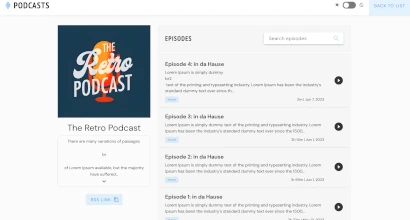
In addition to online streaming, our Internet Radio Platform also supports on-demand content like podcasts. You can create podcasts, add episodes - all this will be displayed to your listeners in the form of a convenient player page. The podcast module can also be connected to the radio site, which is included in the package and, of course, provide an RSS feed for each of the podcasts so that listeners can listen to them in any podcast receiver.

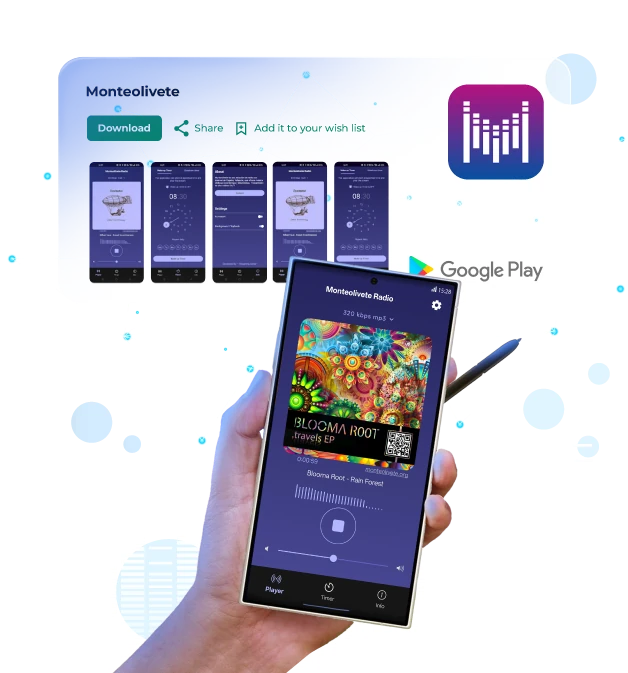
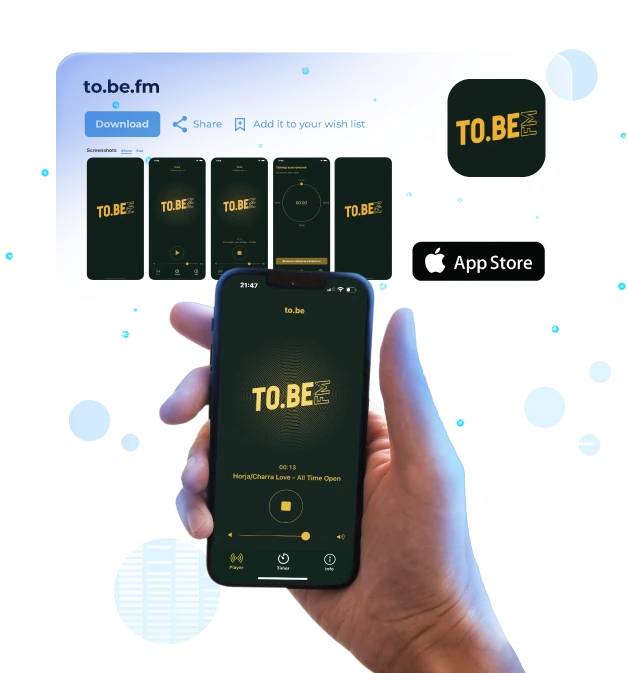
All our users can create mobile applications for Android and iOS that are deeply integrated with our internet radio control panel. We have created our own application engine, optimized for radio listening and the requirements of mobile devices. It supports features such as automatic reconnection when the stream drops and full Bluetooth integration. Our applications are 100% native Android and iOS apps. We have been developing applications since 2011 and have already published more than 200 apps on Google Play and the Apple App Store. We offer both inexpensive, customizable apps with standard functionality (logos, streams, and branding) and fully custom applications of any complexity. See our app creation guide on YouTube .

We understand how radio and working with audio content are important for the visually impaired and people with other disabilities, so our Internet Radio Control Panel supports screen reader software, audio event identification and other additional features that make it easier for these categories of people to work.
You can install our Internet Radio Platform on any hosting, it just needs to meets the minimum requirements: 1 core CPU, 1GB of RAM and enough disk space to fit all your audio files, the operating system is Linux and the x86 processor architecture. If you are not satisfied with any hosting, or it is blocked in any country, you prefer to work only with a certain hosting or you already have a server - no problem, our product is universal and you can install it to any provider.
Latest News
Streaming.Center version 3.33.0 has been released: fade in/out points, remote backups, and more.
- Custom fade points: choose where a track finishes fading in and where the next track starts.
- Improved waveform editor: draggable markers, precise time controls, mouse-wheel zoom, and visible fade curves.
- Fractional durations: crossfades support values such as 0.5 and 1.25 seconds.
- Added a DJ buffer setting to hold incoming audio and absorb brief network interruptions. Larger buffers add delay; zero minimizes delay but increases the risk of interruptions.
- Added a separate DJ crossfade duration to adjust transition length independently for tracks and DJs.
- Smoother DJ transitions: both sides fade regardless of the track crossfade mode, including during rapid connections and disconnections.
- Added remote backups to the admin panel, with support for S3 storage, Dropbox, Google Drive, FTP, and more.
- Admins can now add notifications for broadcaster accounts.
Streaming.Center version 3.32.0 has been released: new admin page, upgraded social network streaming.
- Redesigned the admin and reseller panels to match the broadcaster panel’s look and feel.
- Added two-factor authentication and recovery codes for admins and resellers.
- Added an admin-only control to restart all radio stations.
- Added reseller branding with custom copyright text and white-label attribution.
- Added configurable backup defaults for new broadcasters. Scheduled backups are disabled and quick backups are enabled by default.
- Made backups faster and reduced temporary disk-space usage.
- Added detailed CPU, RAM, swap, and disk statistics, including per-core usage, top resource-consuming processes, and filesystem breakdowns.
- Added account hooks for admins and resellers, supporting webhooks and scripts for account creation, updates, suspension, reactivation, and termination.
- Added account-level HLS permissions, allowing admins to enable or disable HLS for broadcasters and resellers.
- Added HLS settings to the WHMCS module.
- Expanded social streaming with multiple destinations, custom RTMP/RTMPS endpoints, image or video backgrounds, and current-track cover art and title overlays.
- Added configurable social-stream limits for broadcaster accounts, reseller accounts, and account templates.
- Updated the WHMCS module for the new social-streaming settings. Updating the WHMCS module is required.
- Made large media libraries much faster to browse, search, and select files across playlists, jingles, categories, and rotation folder selectors.
- Added drag-and-drop ordering for jingle schedules and blocks.
- Modernized embedded players, removed the simple player’s jQuery dependency, and improved support for multiple players on one page.
- Added a feedback form in the broadcaster panel.
- Fixed FLAC encoding memory corruption and improved FLAC reconnection reliability.
- Improved custom-domain setup, SSL certificate handling, and installation and update reliability.
Streaming.Center version 3.31.1 is out:
- Fixed bugs found after the major 3.31.0 release.
- Optimized database queries and indexes for better performance.
- Added Ubuntu 26.04 support.
- Fixed scheduling conflicts and rotation ordering.
- Improved the calendar view and made dense schedules much faster to load.
- Reduced AutoDJ CPU usage by about 10%.
- Made LoudGain file processing up to 2× faster on modern CPUs.
- Improved audio processing with better clipping protection.
- Improved stream stability when a Shoutcast output disconnects or stalls.
Our clients